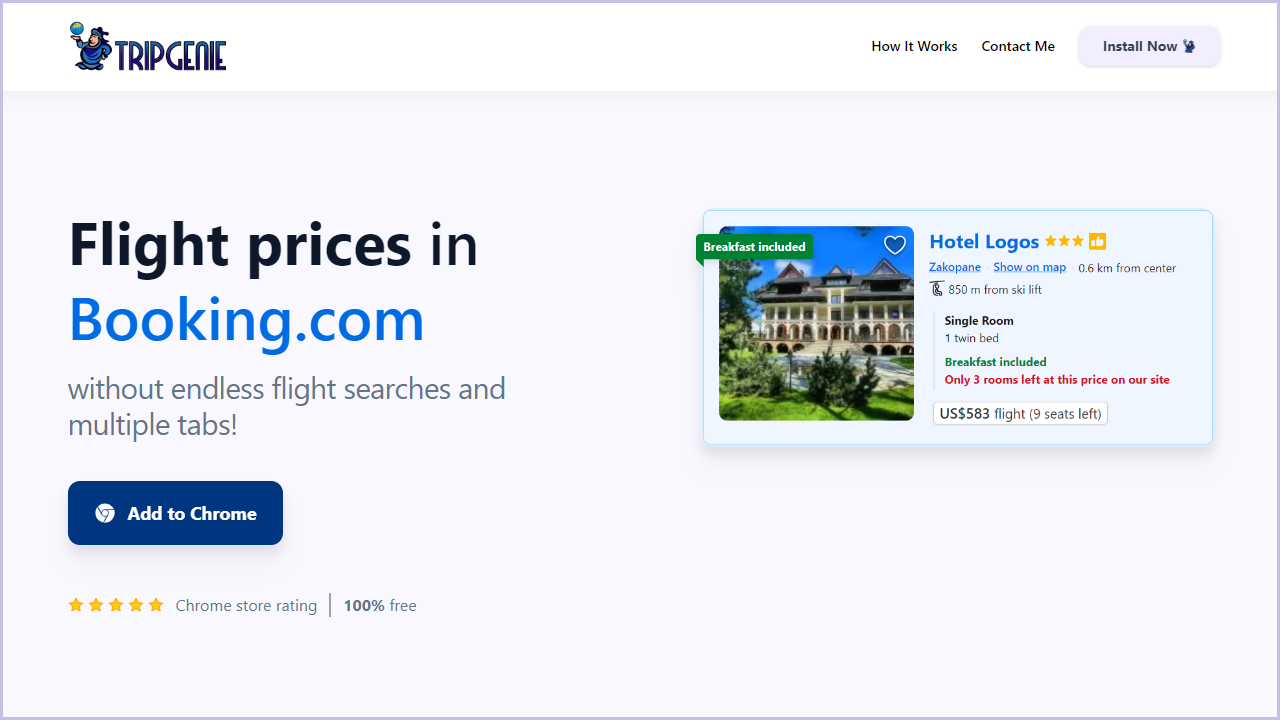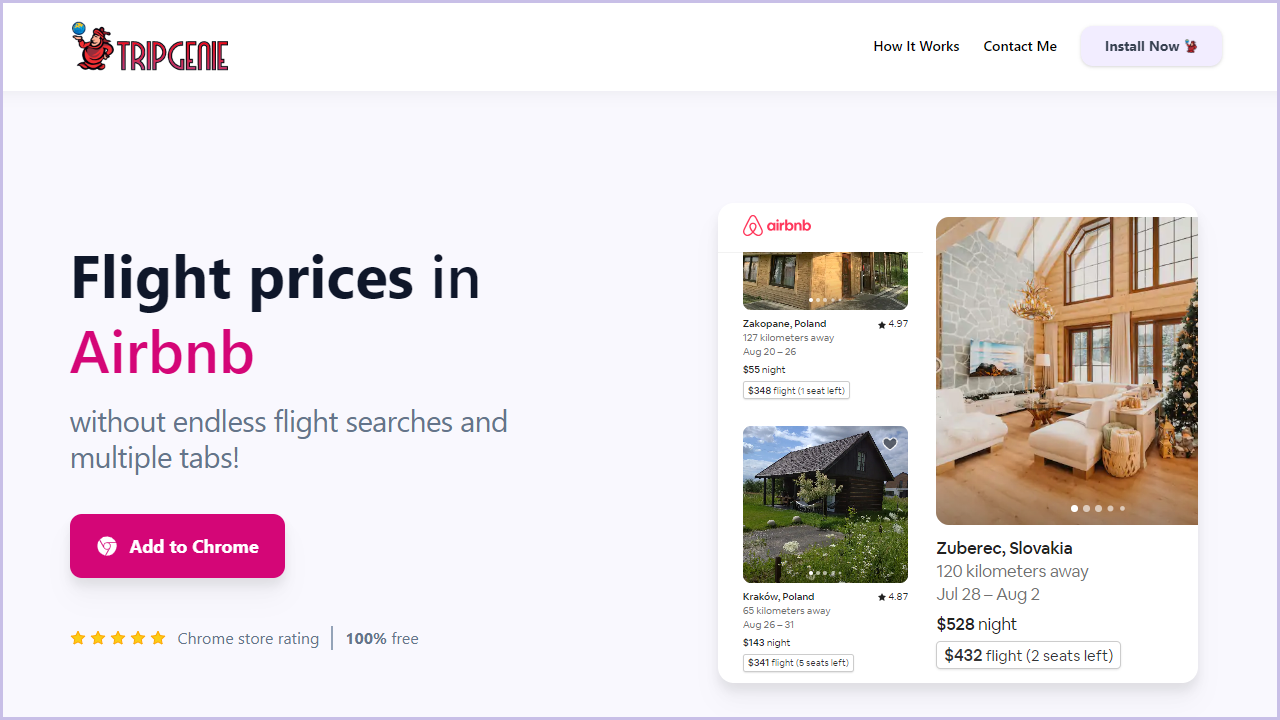
Hey there, jet-setting digital nomads! We know the struggle of toggling between multiple tabs, trying to snag the best flight deals while browsing for accommodations. What if we told you there's a nifty way to see flight prices without even leaving the Airbnb website? That's right, we've got the scoop on a game-changing hack that will streamline your travel planning process. Let's dive in!
Have you ever heard of the magic of browser extensions? Well, meet "TripGenie". This nifty extension seamlessly integrates flight details right into your Airbnb browsing experience. With just a few clicks, you can check flight prices without leaving your Airbnb search session.
1. Install TripGenie from the Chrome Web Store.
2. Once installed, you'll notice a new icon on your browser toolbar, click on it to open the popup.
3. Configure the extension by providing your flight preferences.
4. Open Airbnb's website to display flight prices!
Now, whenever you're browsing Airbnb listings, simply click the flight price button, and voilà! A window will pop up displaying flight options, allowing you to quickly assess flight costs.
Now that you've got this powerful tool at your disposal, let's talk about maximizing its potential.
Use filters to narrow down options based on your preferred travel dates and destination. You can even explore flexible dates in Airbnb to maximize the potential.
Looking for a better deal? Change your departure location to a country or region, to expand your searches by taking into account multiple airports.
And there you have it, fellow nomads! With the "TripGenie" extension, you can now seamlessly integrate flight searches into your Airbnb browsing experience. Say goodbye to the hassle of switching between tabs and hello to streamlined travel planning. Happy exploring, and may your adventures be filled with amazing experiences and even better deals!